Therapy continues between sessions.
Scheduling, encrypted clinical records and billing in one app. And your patients supported all week long, with a mood journal, tasks and questionnaires.
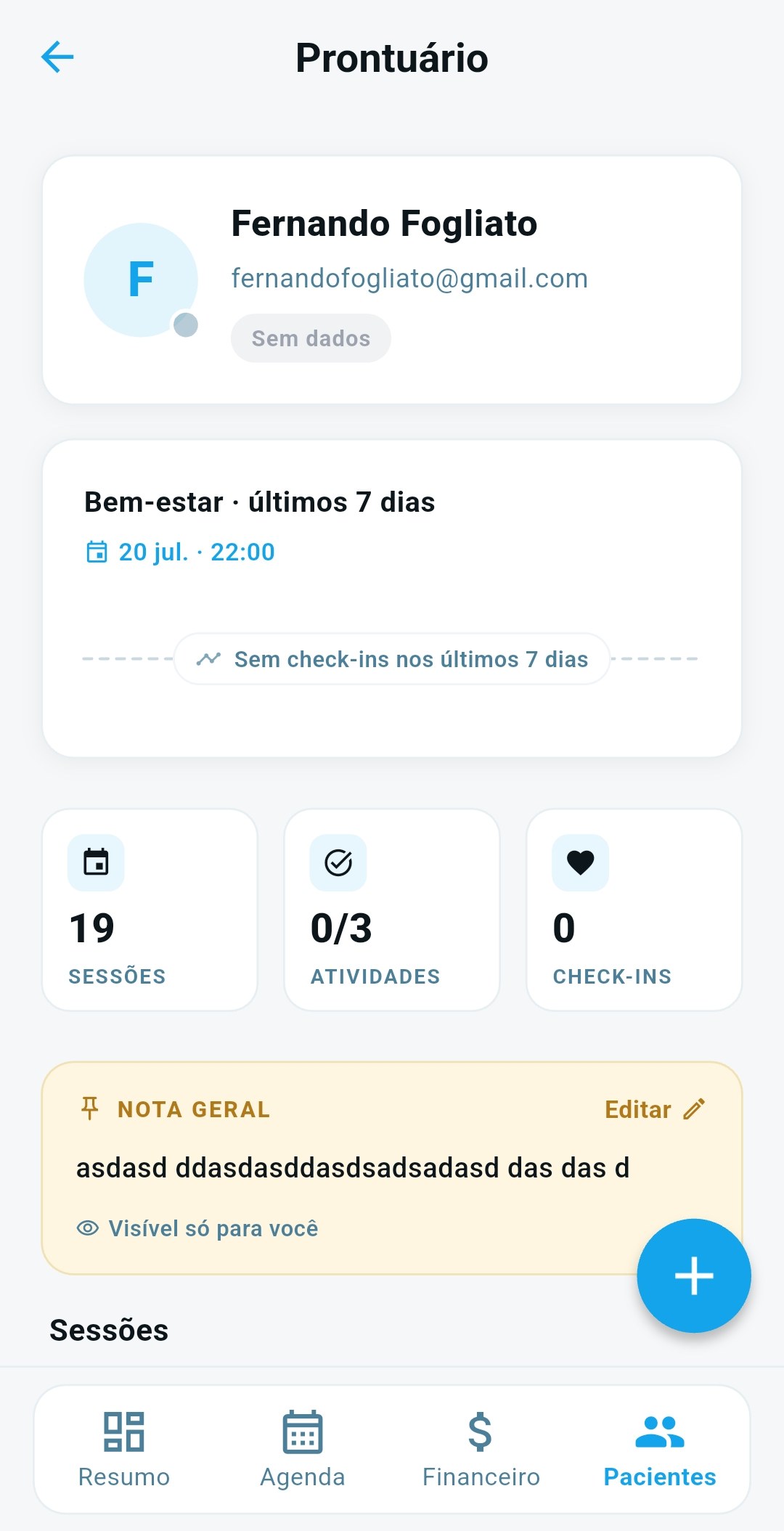
Dictate the session. The progress note comes out as a draft.
After the appointment, say what happened, in the app or in a WhatsApp voice message. AI arranges what you said into the fields of the progress note, and you review, correct and sign.
You dictate
With the Dictate button in the clinical record, or in a voice message to Serena Mente's WhatsApp. On WhatsApp, you pick which session the dictation is for; it shows only the day, the time and the patient's initials.
AI arranges it
Procedures, progress and what was agreed in the session; at the first appointment, the presenting concern and goals too. It uses only what you dictated and leaves out diagnosis, ICD codes, medication and hypotheses: those stay with you.
You sign
The draft goes into the clinical record only after you review it, correct it and take authorship. You record hypotheses and interpretations in the restricted area, which only you see.
The patient's name and registered personal data are removed from the text before it is drafted, and Serena Mente keeps neither the audio nor the transcript. Where the audio goes (in Portuguese) · How to inform the patient (in Portuguese)
See the Unlimited plan →Three jobs, one place.
Fewer spreadsheets, less paperwork, fewer apps open at once. What's left is time for clinical work.
Run your practice
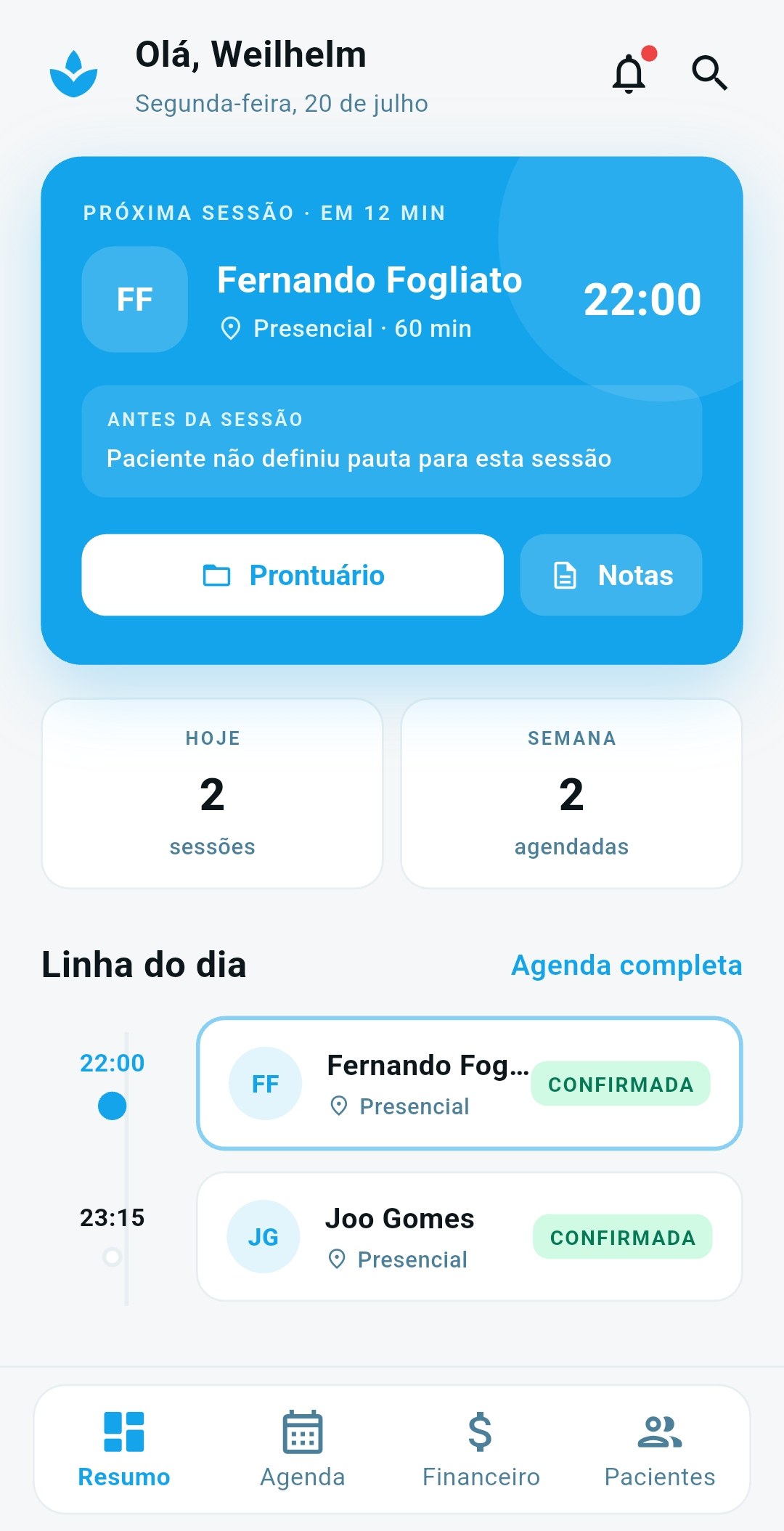
Scheduling with attendance confirmation and, with your Google account connected, a Google Meet link created automatically for online sessions.
- WhatsApp reminders and confirmations
- Packages, credits and billing
- Receivables without spreadsheets
Keep secure records
Encrypted clinical notes, with the full history at hand. On Unlimited, you dictate the session and review the draft.
- Encrypted clinical records
- AI progress note draft, by dictation
- Access on your phone or computer
Follow their progress
Your patient logs the week. You walk into the session knowing how it went.
- Mood journal and mood chart
- Tasks, habits and medications
- Custom questionnaires and scales
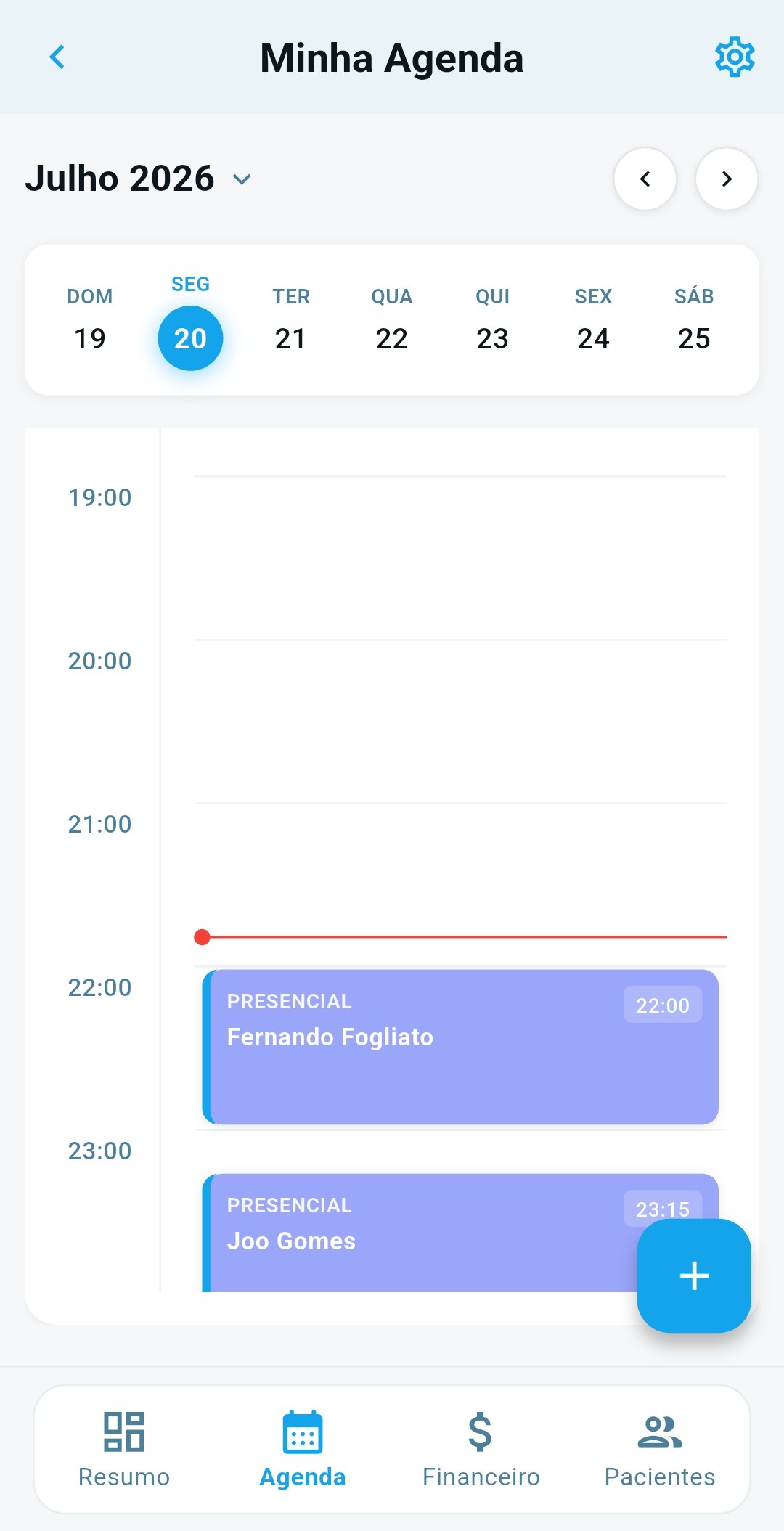
Inside the app.
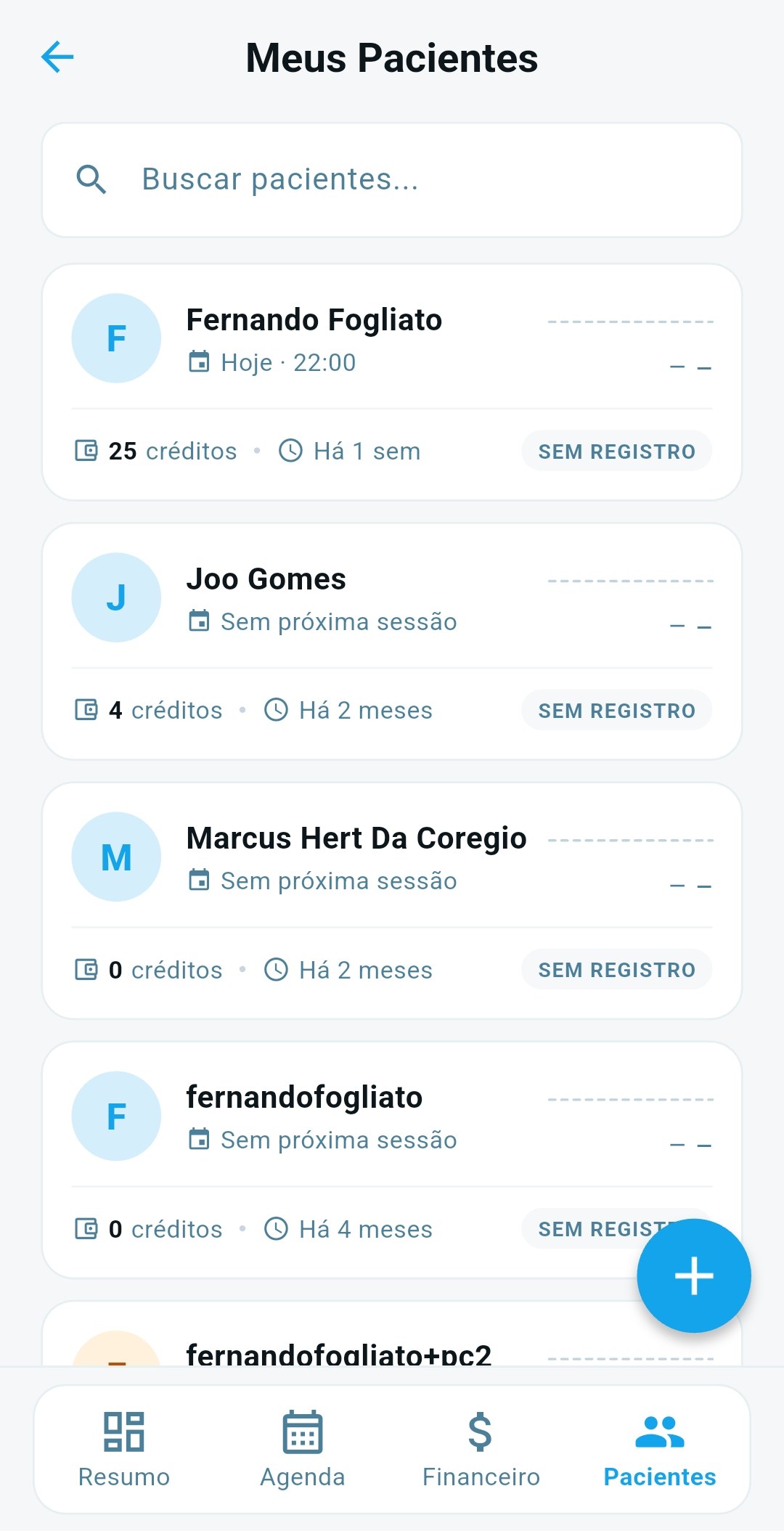
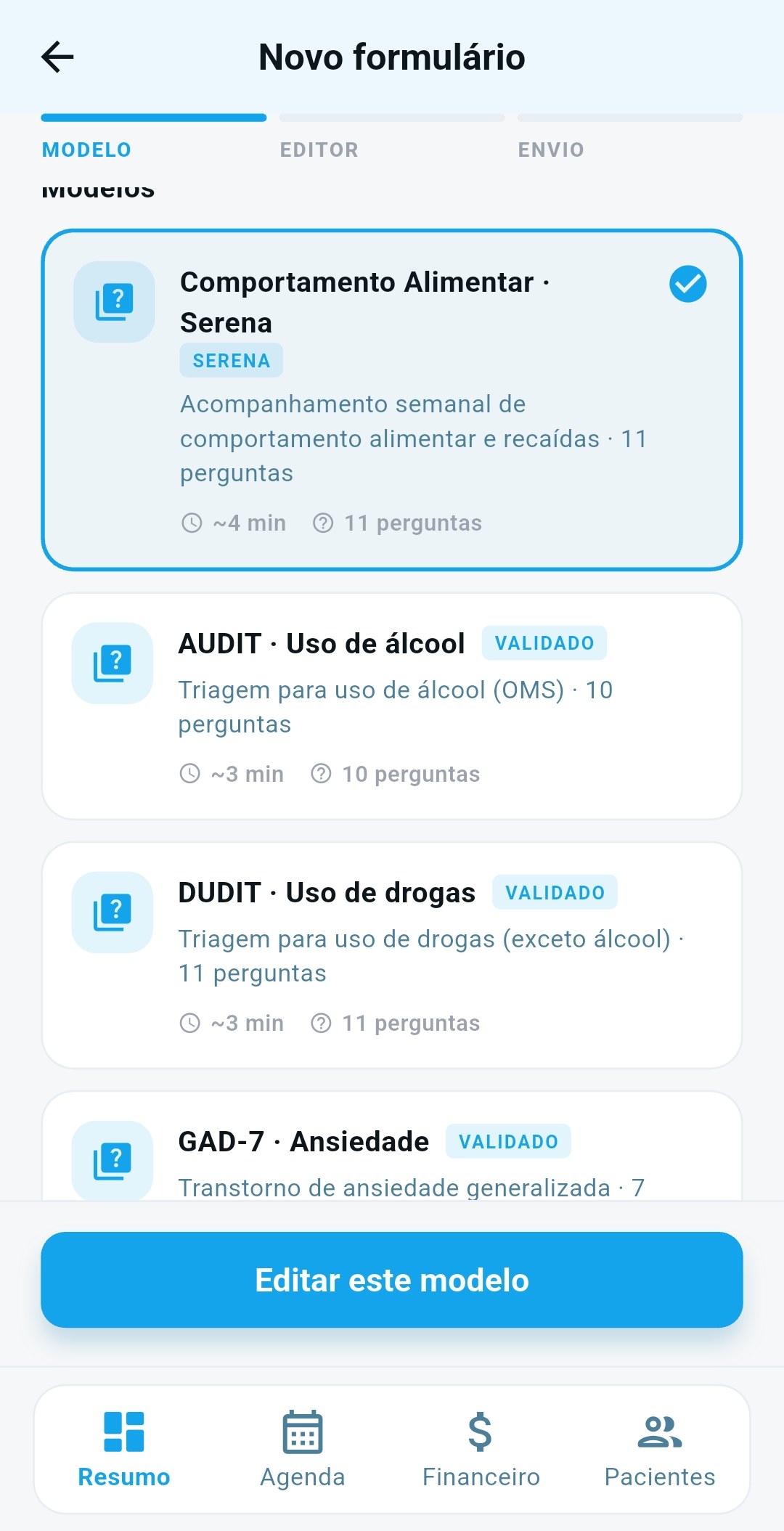
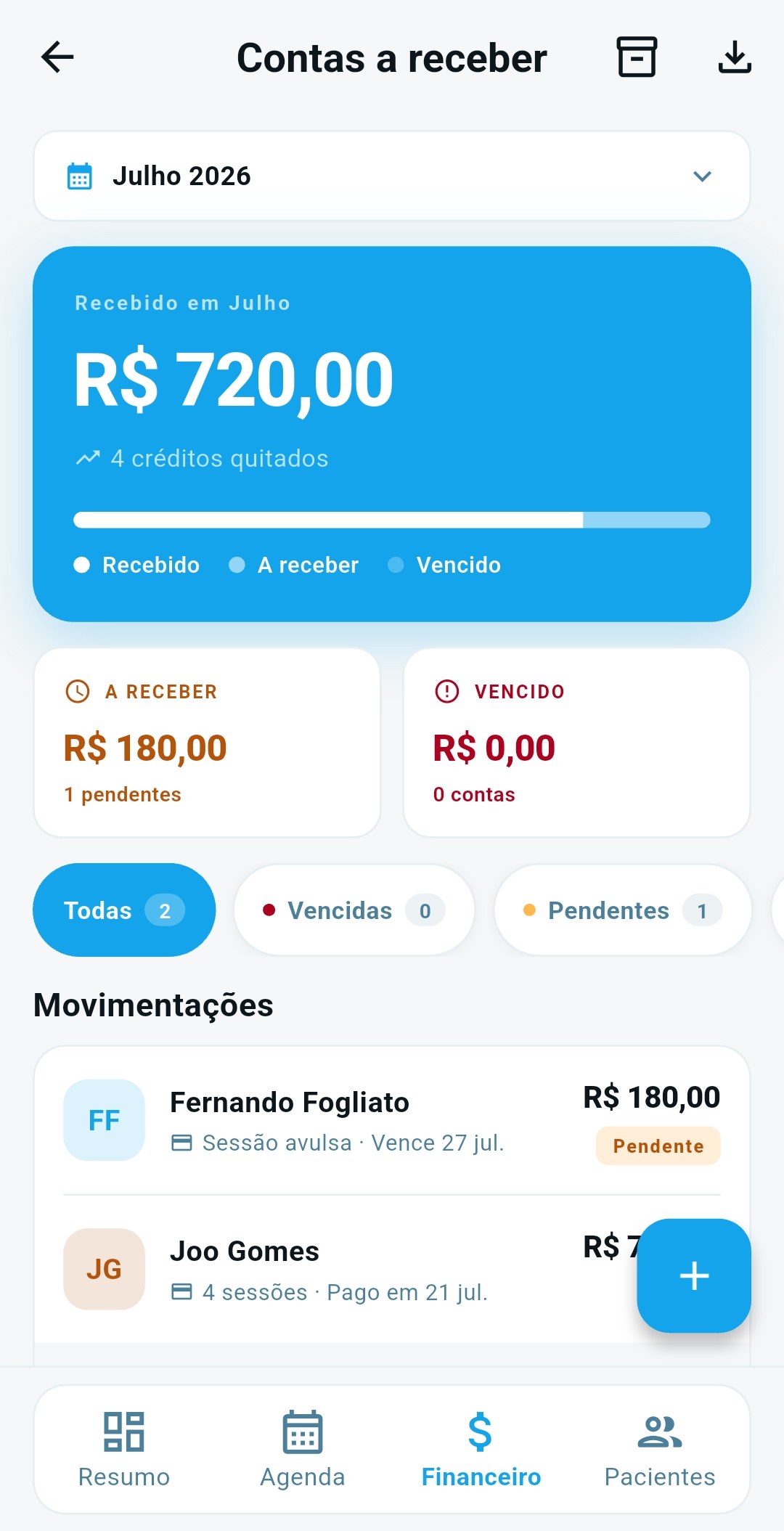
Real screens from the psychologist's dashboard, shown in Portuguese. Drag sideways.
A safe space, free, in the pocket of everyone you care for.
Patients download the same app and join through your invitation. They pay nothing, and signing up is simple.
A private place to record feelings and the events of the day.
The activities you suggested, to reinforce the work done in session.
Scales and questionnaires that show progress objectively.
Emergency contacts and breathing techniques one tap away.
Confirm attendance or cancel from the session reminder, without opening the app.
With Google Meet, the session opens in the Meet app or in the browser.
Your patients come along. So does their history.
Switching systems is daunting because nobody wants to re-enter every patient. With an active paid plan, you send us the export from the system you use today and we bring it all into Serena Mente.
You export and send
Patient records and appointments, however your system exports them (spreadsheet or CSV), to suporte@serena-mente.app. Can't find the export? We'll help you look.
We review and run a dry run
Before anything is saved, you see how many patients and sessions will come in, and why any row would be left out.
You start with your history
Patients with name, contact details and date of birth, plus past sessions with no-shows and cancellations. No patient gets a message during the migration.
For paid plan subscribers. Clinical notes and financial entries aren't part of the migration yet.
I want to migrate →You pay for the size of your practice.
Every plan has scheduling, clinical records, billing and the patient app. Paid plans take more patients, and Unlimited includes the AI clinical record draft. And the automatic reminder is optional: turn it on if you want it.
Free
To start your digital practice.
- Manual reminder and confirmation link
- No credit card
Professional
For a growing practice.
- Manual reminder and confirmation link
- Cancel anytime
Unlimited
For a full schedule.
- Manual reminder and confirmation link
- AI clinical record draft, by dictation
- Cancel anytime
On every plan
- Schedule and confirmation link
- Google Meet for online sessions
- Encrypted clinical records
- Mood journal
- Mood charts
- Forms and questionnaires
- Credits and billing
- iOS, Android and Web app
7-day guarantee: if you change your mind, we refund you. Patients use it for free. Questions? Talk to us.
Clinical data is sensitive. We treat it that way.
Encrypted data
Clinical notes, journal entries and questionnaire answers are stored encrypted.
Google Calendar, if you want
Connecting is optional. It only creates the event for each confirmed session in your calendar, with a Meet link for online ones. We don't read your other events.
AI under your control
The AI draft is optional. The patient's name and registered personal data are removed from the text before drafting, the audio isn't kept, and nothing goes into the record without your review.
Support, not a substitute
Serena Mente supports treatment; it doesn't replace it. In an emergency, seek immediate medical help. Privacy Policy · Terms (in Portuguese)
Before you subscribe.
Do patients pay anything?
No. Patients use the app for free, through your invitation. Only the psychologist subscribes.
How does the automatic reminder work?
You choose the lead time: one, two or three days before the session, the patient gets a WhatsApp message from Serena Mente's official number. They confirm or cancel right there, and the answer shows up on the appointment. There's no per-message fee.
Without the add-on, how do I remind patients?
Every plan, even Free, has a manual reminder and a confirmation link. You send it, and the patient confirms through the link.
Does the AI write the clinical record for me?
No. On the Unlimited plan, it arranges what you dictated into a draft, in the fields of the progress note. The draft goes into the record only after you review it, correct it and take authorship, and the content remains yours.
Where does the dictation audio go?
To Google's speech recognition, whole, as it was recorded: so don't say the patient's name or personal details in the dictation. From the text, the patient's name and registered personal data are removed before it is drafted by Anthropic. Serena Mente keeps neither the audio nor the transcript, and none of it trains AI models.
Do I need to tell the patient I use AI?
Yes. Brazil's Code of Professional Ethics for psychologists requires the person in care to know the record is kept in software (art. 14), and that includes the AI draft. There is a suggested clause for your contract at serena-mente.app/normas (in Portuguese).
Do I need to install anything?
No. Use it right in the browser, or download it for iOS and Android, with the same account.
I already use another system. Can I bring my data?
Yes, with an active paid plan. Send the export from your current system to suporte@serena-mente.app: we review it, run a dry run and import your patients and session history. Clinical notes and financial entries don't come over yet.
How can I pay?
By credit card, renewing automatically every month, or by Pix or boleto, one month at a time with no renewal.
Can I cancel?
Anytime. And in the first 7 days, if you change your mind, we refund you.
Start today, with up to 10 patients.